Fields the Data Form
The fields are displayed in the middle of the form. Their layout can be modified either editing manually or using DBCustomizer.
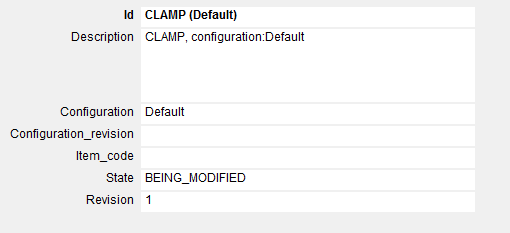
The main grid displays all the fields related to the current tab. The grid color depends on how you called the form and marks whether the field is blocked for security reasons, can be edited or the grid is displayed for viewing only. While editing events can be associated with data input and clicks to activate fields-related behaviours.
Please refer to the topic Advanced data input for further information on the subject. For a description of special fields please read the topic Fields description.