Process condition in the Workflow Designer
To set the condition for a process in the Workflow Designer, either:
select a process in the processes view, right-click it and select properties
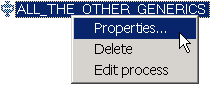
or
while editing a process, click the condition button
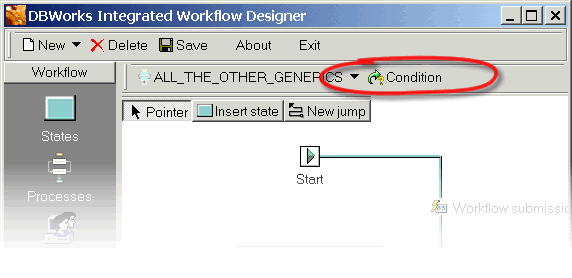
What is the process condition
Every process has an SQL condition that has to be satisfied for documents to enter into it. You can see it as a routing or sorting operation that is performed every time a document goes under the control of the workflow. The condition attached to every process determines what type of documents will enter this specific process.
The editing dialog
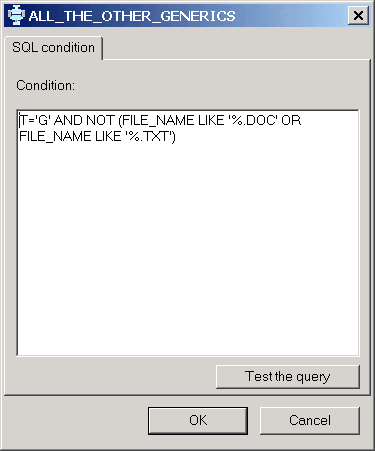
The condition is an sql condition to be applied to the record of every document that is submitted to the workflow. In this case the sql condition ensures that the documents are non-cad documents and not files of type .txt or .doc.
The sql condition must be entered manually. Before you close, test it pushing the button Test the query.
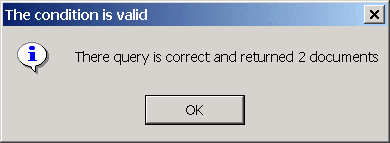
If the sql condition contains errors, they are displayed in a message box, otherwise, you get a confirmation dialog as the following: