Delete a process in the Workflow Designer
To delete a process in the Workflow Designer, either
select one or more processes in the processes view and push the delete button in the toolbar
or
while editing a process, click the delete button in the toolbar.
This operation cannot be undone and removes the process from the workflow.
 Before you delete the process make sure that no documents are currently in the process to avoid malfunctioning.
Before the process is removed, you need to confirm:
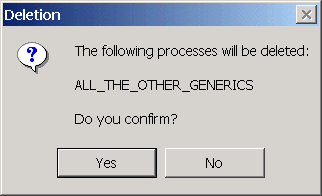
Note that until you save the parameter file the deletion does not take place, so after confirming you still have a possibility to close the designer without saving the changes. In this case the process would be still there.