Remove the child from this parent
This command is available in the Parent Tree popup menus.
The command allows you to remove the child from the selected item. As child, it is intended the direct child, which in the tree structure is immediately above the selected item.
A dialog asks for a confirmation before the execution of the command.
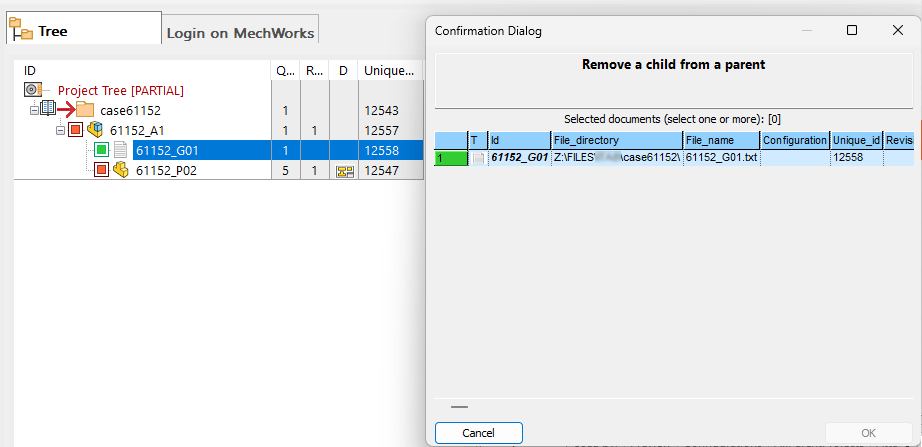
Please note the removal is intended from a parent different from a Project
For removing documents from a project please refer to function Remove from Project that is regulated by specific DBWARM rights, logged with dedicated events) and it's customizable by specific scripts (OnAddToRemoveFromProject.LST).
After the removal, the link between the two items is broken but neither the child record nor the associated document are deleted.
If you removed a CAD component from an assembly, since this deletion is at DB level only, during the following CAD save of the structure this relation will be restored.