
 Adding and removing to/from a project a node and all it's children
Using these buttons in the Tree page or in the RMB, you can add or remove in a batch process the selected nodes and all it's children to/from the active project.
The current project is marked in the trees by a  but the popup that appears on the button will confirm the name of the active project.
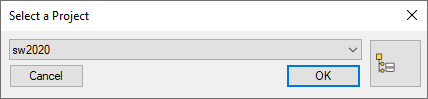
To add to another project, go to the Documents Page and click the project, then return to the Tree Page.
For further information on projects, please read the topic Projects overview.