Select a document and its grid
To select a document, click it with the left mouse button.
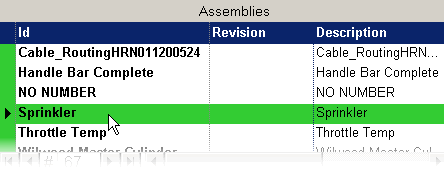
Selecting a document affects the hierarchical grids and makes it the current document. The grid where you clicked the document becomes the current grid. If you clicked the document in the 'Used by' or 'Composed of' grids, the grid becomes current, but the document is highlighted in the window to which it belongs, according to its type.