Add a document (not a CAD document)
You can link a non CAD document to any other type of existing document in order to include further information that will help sharing information across a network and complete the set of documentation that accompanies it.
There is no limitation to the type of document you can add: text file, Excel sheet, Word document, bitmap, voice recording, AutoCad .dwg files, etc...
The type of files recognizable by the open dialog can be customized. Please refer to the section Customization of the Open non CAD document dialog for further information.
Procedure
Right-click any document in the database or a project and in the pop-up menu click Add a document.
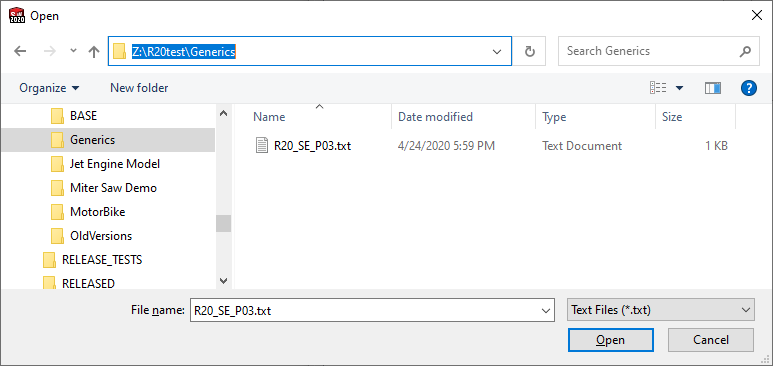
Select the document to be opened in the dialog specifying the type of file to be found where available or all files otherwise (this dialog can be customized through the SCHEMA\DBWGEXT.TXT parameter file).
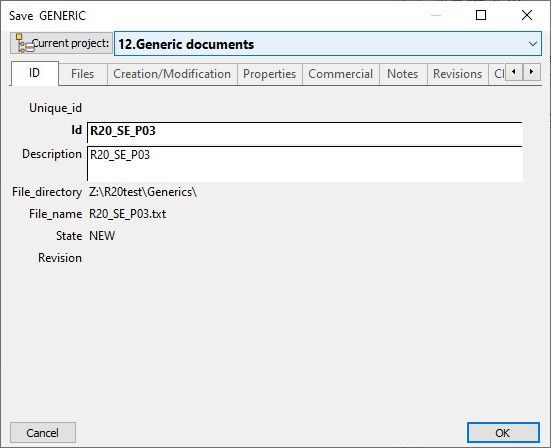
When you open the document, MechworksPDM allows you to enter further information concerning the non CAD document.
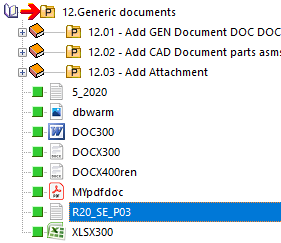
MechworksPDM displays the document as a hierarchical child of the cad document.
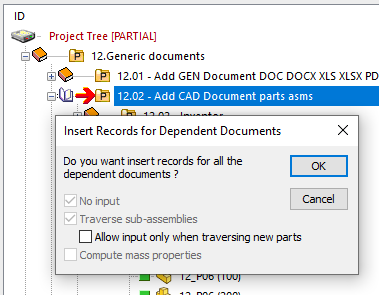
Add Document functionality can register assembly structures
For SolidWorks files, the Add Document functionality asks for the registration of a whole assembly structure:
The registration is performed by using the SolidWorks Document Manager component. In order to provide the necessary file locations parameters to the SolidWorks Document Manager, a new option has been added in the General→More ... section:

As indicated in the option’s title, you must assign only the ROOTS of the repository folders for the SW files to be registered. The registration process considers also all the Options→Environment→Configurations parameters, included the  Save all configurations automatically. For such reason, the parameters are now enabled in the Options→Environment→Configurations page when started from a DBWorks Standalone system.