Data Form: View mode
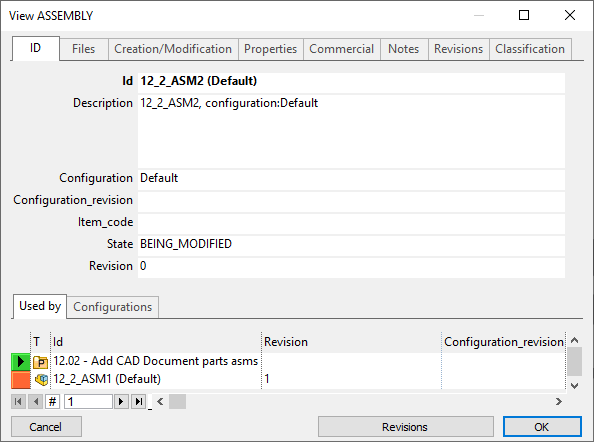
The Data Form in view mode displays the record of a document as read only information. To display the record of a document use the  View command.
In this view the project is not displayed above the tabs, but below in the Used By grid. Fields are all white and cannot be edited.
If the document is not in state NEW you can open the Data Form for revisions clicking the button Revisions below.
Elements of the dialog